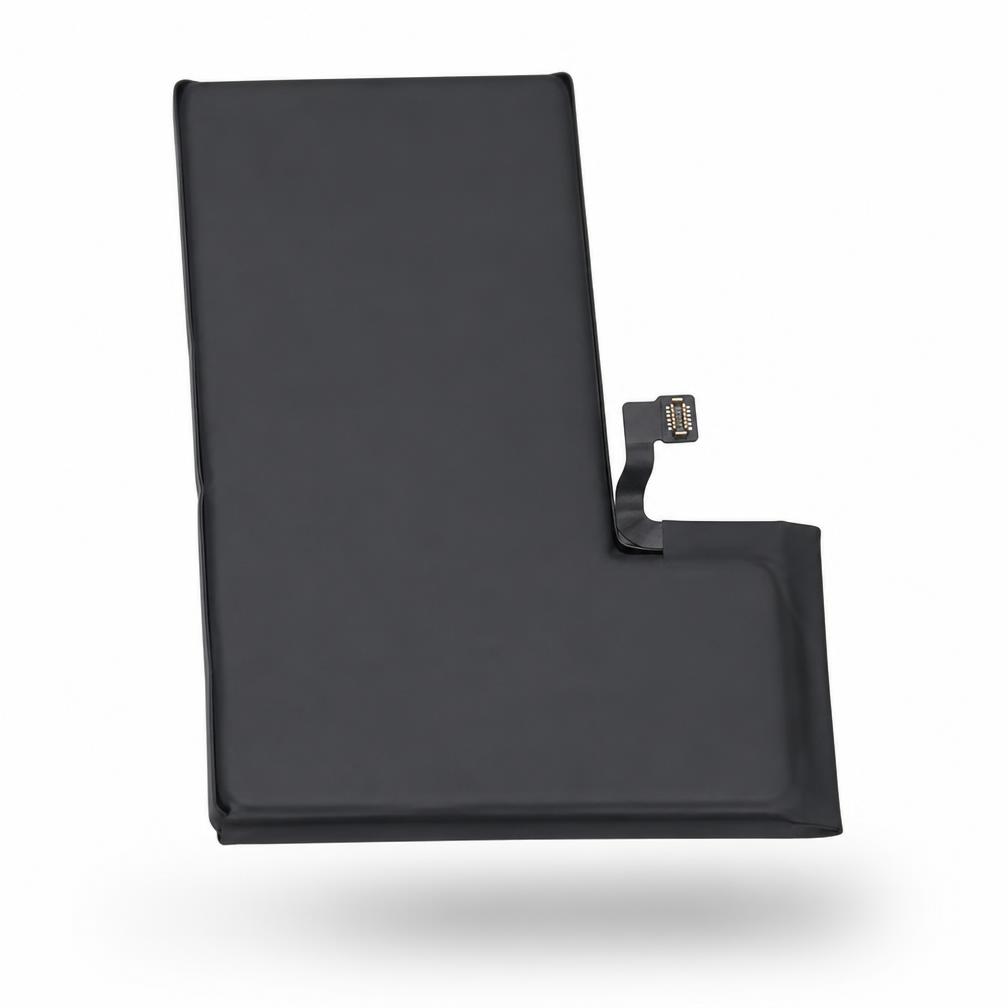
Galaxy S25 replacement battery

Galaxy S25 — Certified Battery

Certified cell · Contract-length life

  • Retains 80%+ capacity past 500 cycles.
  • Every cell electrically tested before dispatch.
  • Ships in fire-safe, anti-static packaging.
  • Same-day available in selected postcodes.

Specs

Capacity
4,000 mAh
Certification
CE · UKCA · UN38.3
Warranty
12 months

What's in the box

  • Battery cell
  • Pull-tab adhesive
  • Fire-safe pouch
  • Install guide QR card

Compatibility

SM-S931BSM-S931U

Install guides

Scan the QR card in the box for the step-by-step teardown and torque map for Galaxy S25.

Known faults & fixes

Every way a battery swap goes wrong — and how we stop it.

Critical5–10 min

"Unable to verify this battery" health warning

Why it happens · The battery management IC isn't paired to the logic board — standard on non-original cells.

The fix · Our certified cells keep health reporting intact. Where the model demands pairing, transfer the original BMS chip or pair with a programmer — the QR guide covers both routes.

CommonOne charge cycle

Rapid drain / phone dies at 20–30%

Why it happens · A cell with an inflated stated capacity, or a stale coulomb counter after the swap.

The fix · Run one full 0–100% calibration cycle after install. Genuine capacity is printed on every Fhone cell and cycle-verified before dispatch.

CriticalReplace immediately

Swelling / lifted display after months

Why it happens · Overcharge protection missing, or a cell punctured by a metal spudger during removal.

The fix · Only use plastic or nylon tools and the pull-tabs. Never re-fit a dented cell. Our cells carry CE, UKCA and UN38.3 with overcharge and thermal protection.

Common5 min

Phone won't power on after the swap

Why it happens · Battery flex connector not fully seated, or the board shield screwed down over a lifted connector.

The fix · Reseat the connector until you feel the click, then screw the shield. If dead, force-restart on charge for 30 seconds before assuming a faulty cell.

WatchN/A

Cycle count resets or reads oddly

Why it happens · Expected on any non-paired cell — the counter starts fresh with the new BMS.

The fix · Explain it to the customer up front. Note the install date on the job sheet so warranty claims stay clean.

Install guide

Galaxy S25 battery swap, step by step.

  1. 01

    Discharge below 25%

    A low state of charge dramatically reduces thermal-event risk during removal.

  2. 02

    Open and isolate

    Heat the perimeter, open the device, then disconnect the battery connector before anything else.

  3. 03

    Release the pull-tabs slowly

    Pull at a shallow angle, steady and continuous. If a tab snaps, use IPA under the cell — never a metal pry.

    A punctured cell can vent. Stop, place it in the supplied fire-safe pouch, and move it outside.

  4. 04

    Transfer the BMS if required

    Model-dependent. Where pairing is needed, move the original chip or pair with a programmer.

  5. 05

    Fit the new adhesive and cell

    Dry-fit first, confirm flex reach, then peel and press for 10 seconds.

  6. 06

    Reconnect, boot and verify

    Confirm health reporting shows 100% and no service warning appears in settings.

  7. 07

    Run one calibration cycle

    Drain to shutdown, then charge uninterrupted to 100% to sync the coulomb counter.

Questions techs actually ask.

Will the customer see a battery health warning?

No. Our certified cells keep health reporting intact; where a model requires BMS pairing, the guide covers chip transfer and programmer pairing.

How long will the cell last?

Cycle-tested to hold 80%+ capacity past 500 cycles — comfortably a full 24-month contract for a typical user.

How do you ship lithium cells?

Individually in fire-safe, anti-static pouches, UN38.3 certified, with a courier cleared for lithium transport.

Can I order in trade volume?

Yes. Tray pricing kicks in from ten units and same-day dispatch still applies before the 16:00 cut-off.